QR codes are bad
by Ben
3 min read
Intro
Ok, you know how to scan a QR code for the menu of a joint that sells a burger for $19 (and charges another $5 for fries). But should you?
QR codes are most commonly used for quickly sharing URLs to websites, and they're great for that! They're also great for people who want to quickly share URLs to viruses and trackers! More than that, QR codes can be used to store all kinds of information, such as an entire video game.
What's the point?
The short version is: You should never use an app that scans a QR code and opens it without further confirmation. Instead, you should always manually type in the URL if it's provided.
If that's all you need from this, thanks for visiting! But if you're the kind of person who wants to know why, let me tell you.
Why not?
I already mentioned that QR codes can be used to share malicious links. I also mentioned that QR codes can store most any type of digital information - that means executables that run on your devices without your permission (read: a virus or spyware).
One of the common attacks is bad actors will print QR code stickers, then stick those on top of QR codes that are already posted in public. Posters, fliers, menus, etc. Now whenever somebody scans the link to that sick concert on Friday, they actually get hacked. In some cases, the bad actors will actually forward you to the original page, so you don't even know that anything happened.
If you don't know where that QR code has been, then DO NOT SCAN IT.
That means something like a QR code on a business card or flier that somebody handed to you (somebody that you trust) is probably fine. The difference is that the QR code has been in that person's possession the whole time, so there was no opportunity for anybody to interfere.
That's stupid, I wanna scan my little codes
Yeah, that's fair. QR codes are a great way to share things quickly. BUT, I never told you to not scan codes, I told you to not scan codes with an app that automatically opens it. Behold, a solution!
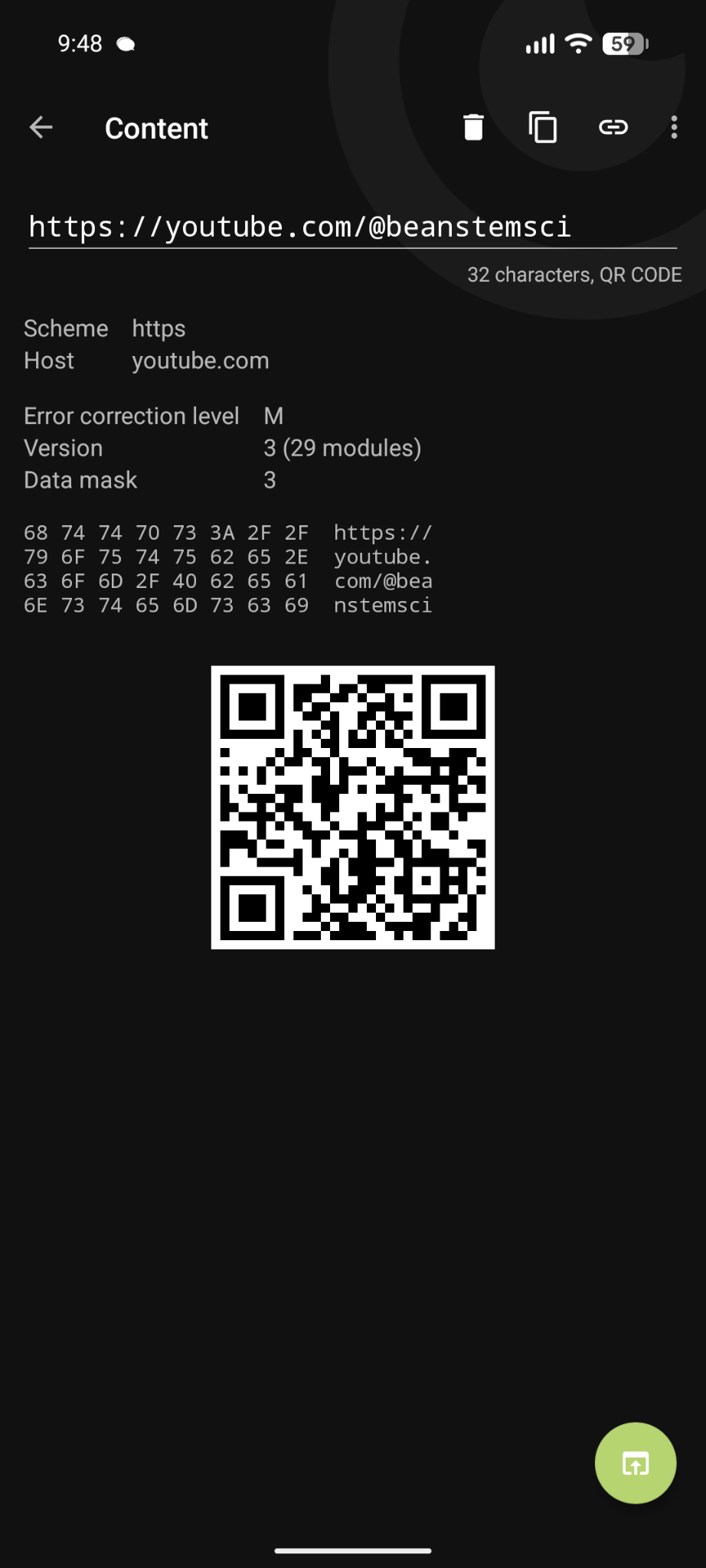
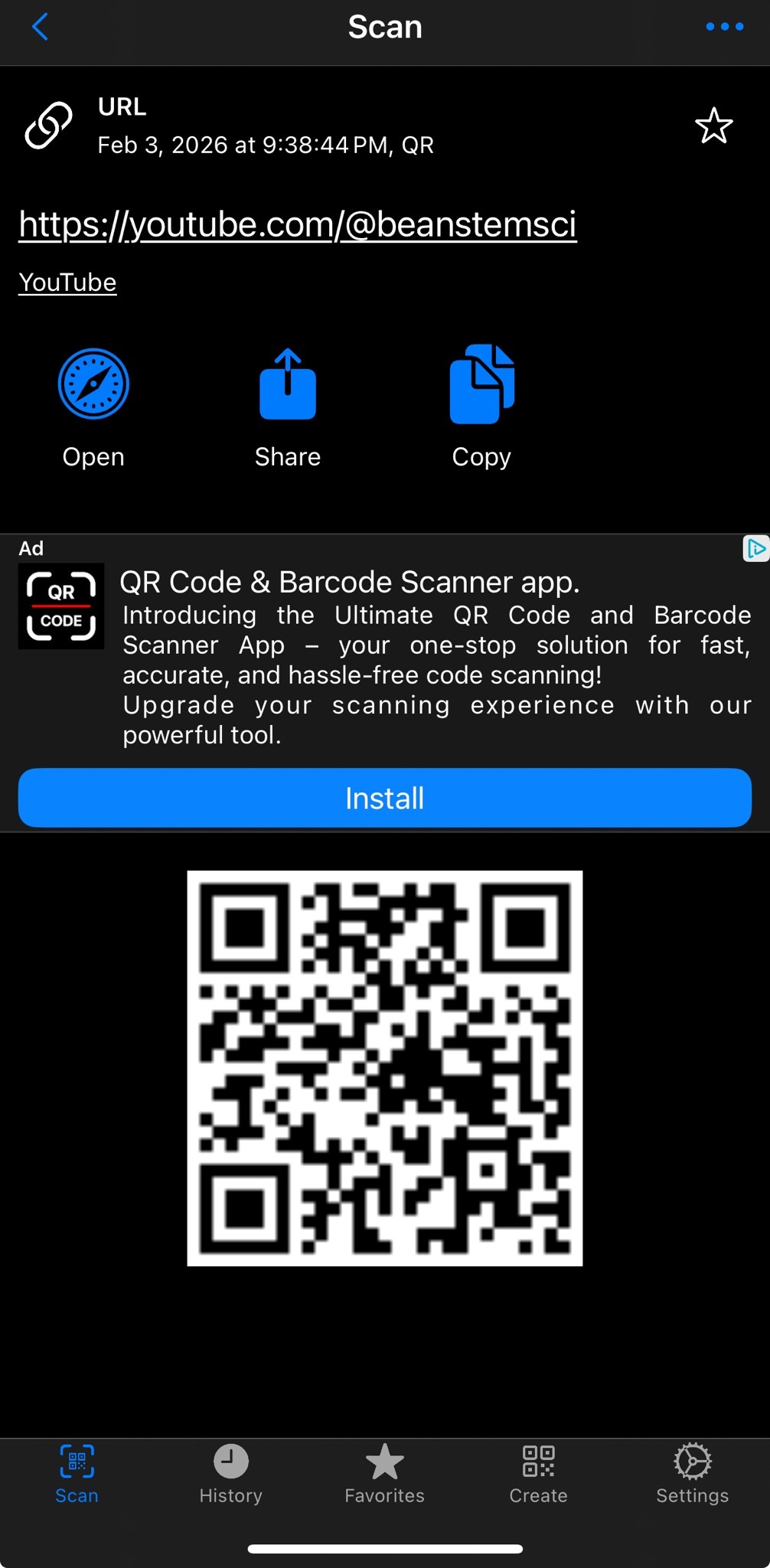
Here are a couple free apps that will preview the QR code's contents before opening it:
- iOS: QR Code Scanner by Gamma Play
- Android: Binary Eye
These apps will show you the content of the URL before opening it. That way you can see if it looks legit before choosing to open it. Easy! done!
Tangent: URL shorteners
One quick note here, the QR scanner that previews links is not perfect. That's because a lot of legitimate services will use link shorteners. These are things like bit.ly links that you've surely seen before. These can be used to make links easier to remember. A legitimate source might also use a link shortener to track where their customers are coming from, or track how often somebody uses that shortened link. In short: you open the link, the host tracks "this person opened this link at this time, from this IP, with this device," and then it forwards you to the end URL.
Link shorteners are awesome, but - just like QR codes - they can be used to obscure the end URL and trick people into going places they don't want to go.
There are tools that can open shortened URLS for you, like unshorten.it.
I will say, in my personal opinion, it's sketchy for a QR code to point to a shortened link because... the QR code is already a quick way of sharing a URL, why do you need to do that twice? It's not necessarily a problem, but it's just kinda weird.