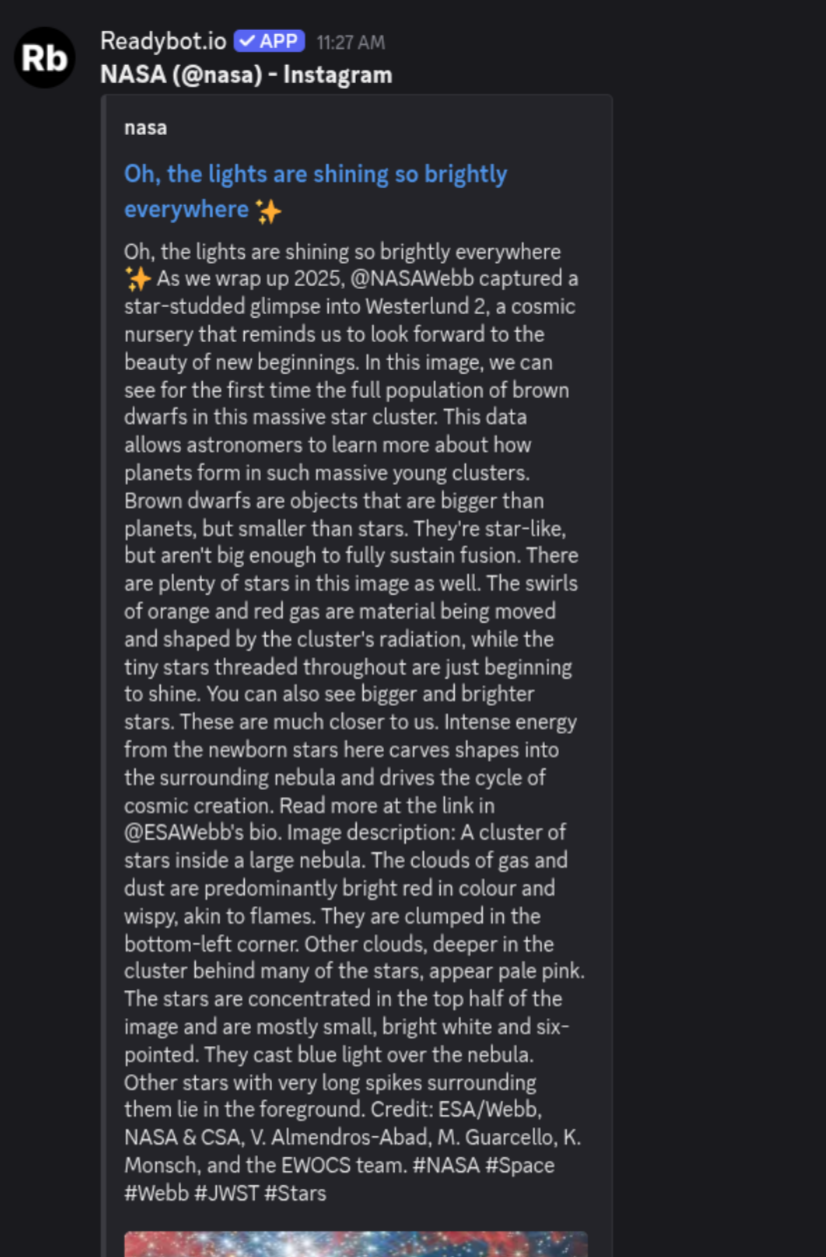
Follow an Instagram feed in a Discord channel
by Ben
3 min read
Intro
I'm an admin on a Discord server for a local org that does community events and such. Mostly we post on Instagram, but some members mentioned that they (understandably) don't want to have to use Instagram to hear about events.
I was tempted to play around with the Instagrapi project that I found on GitHub and build a custom Discord bot for them, but I have too many other projects to fiddle with that right now. So instead, my problem-solving brain thought "surely there's a way to turn an Instagram account into an RSS feed, and then surely there's a Discord bot that can follow an RSS feed." And thus, this solution was born!
The solution
The stack
If you want to copy an Instagram feed into a Discord server, this is all ya need:
Instagram feed to RSS Feed
1. Find an RSSHub instance
RSSHub is an excellent open-source, self-hostable tool to convert most anything into an RSS feed. To turn an Instagram feed into an RSS feed, you first need to find an RSS Hub instance.
Tangent: What's an instance??
If you're not already familiar with self-hosting and decentralized infrastructure, "instances" may be a new concept to you.
In short, RSSHub is not just a website that you can go to and use like Facebook or YouTube, it's more like an app that anybody can run on their computer. That means you (kind of) can't just go to https://rsshub.app and use it, you need to find some kind person who is running RSSHub on their computer and allowing anybody else to use it. Instead of just going to https://rsshub.app, you'll need to find whatever domain this kind volunteer is running RSSHub at. You can check out a list of public RSSHub instances in the RSSHub docs here.
You technically can use https://rsshub.app (and you'll find it listed as one of the public instances), but I've personally found it to be rather unreliable. It goes down, or it's slow, or it has a high error rate. If you can, I recommend another one (I'm using https://rsshub.rss.tips) or hosting your own.
2. Create the RSS feed for your account
If you check out the RSSHub documentation for Instagram, it can be a bit confusing. There's a "pixnoy" version that's not worth your time, and the Private API version requires you to log in (it basically logs in as you to grab the information it needs). That one also isn't really worth your time.
What you want is the /instagram/2/ path that uses the web API. To use that, you'll do:
https://<RSSHub domain>/instagram/2/user/<username>
So that might look like
https://rsshub.app/instagram/2/user/nasa
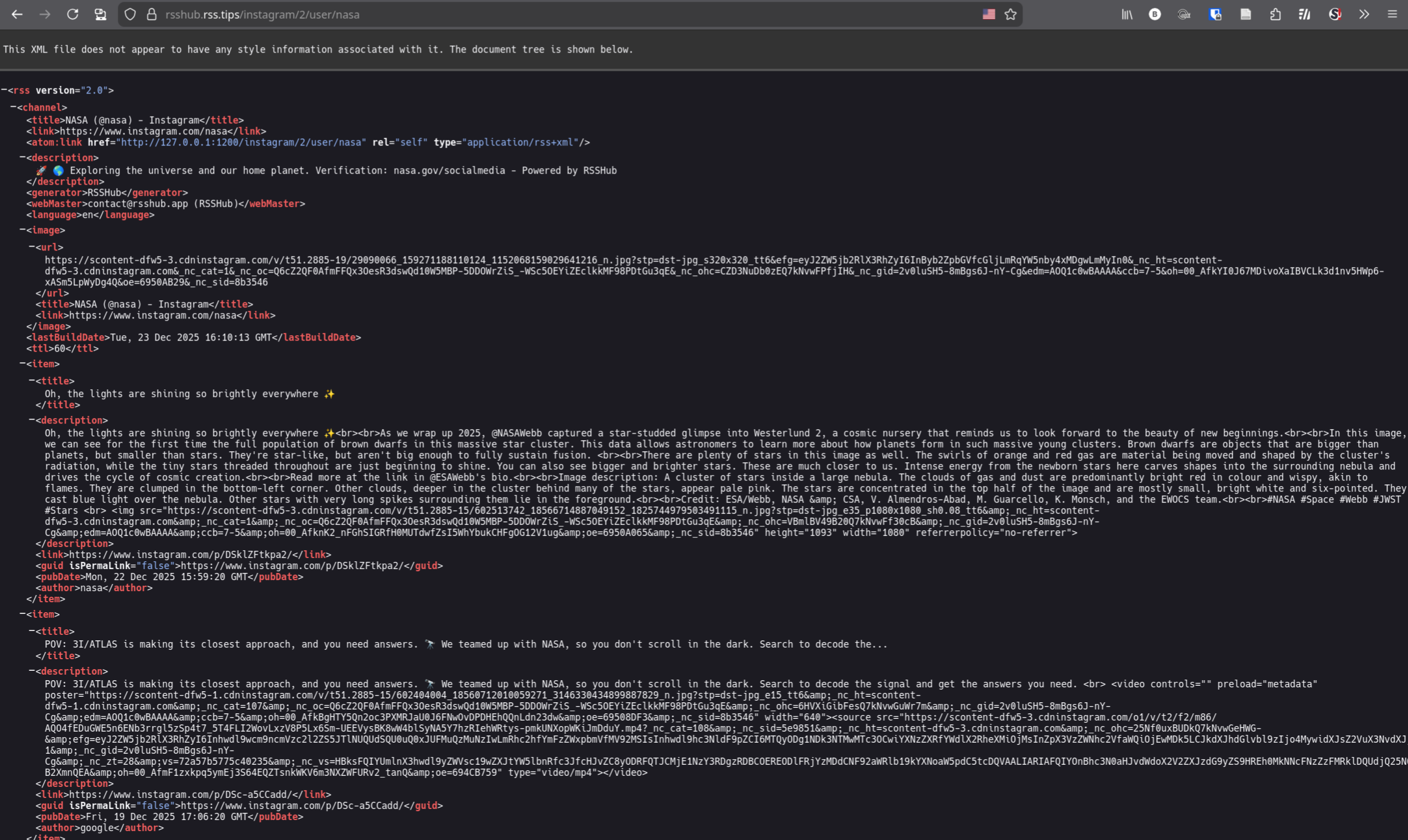
The server will effectively create an RSS feed for that instagram account whenever that specific URL is called. You can preview the raw XML of the RSS feed by going to that path. Once you verify that it works, you can move on.
RSS feed to Discord bot
1. Set up Readybot.io
Technically you can use whatever bot you want, but this is the best free one I found. Check out the plans page to verify that the free plan limitations are okay with you. At time of writing, you can have up to 5 bots, 5 servers, and 20 feeds, which is more than enough for the 1 little community server that I need it for.
Once you log in with Discord, it's pretty intuitive, so I'm not going to describe the process in depth here.
Basically, you'll create a bot and add it to a server. You'll then select which Discord channel updates should go in.
With that basic setup, it'll now prompt you to add a feed.
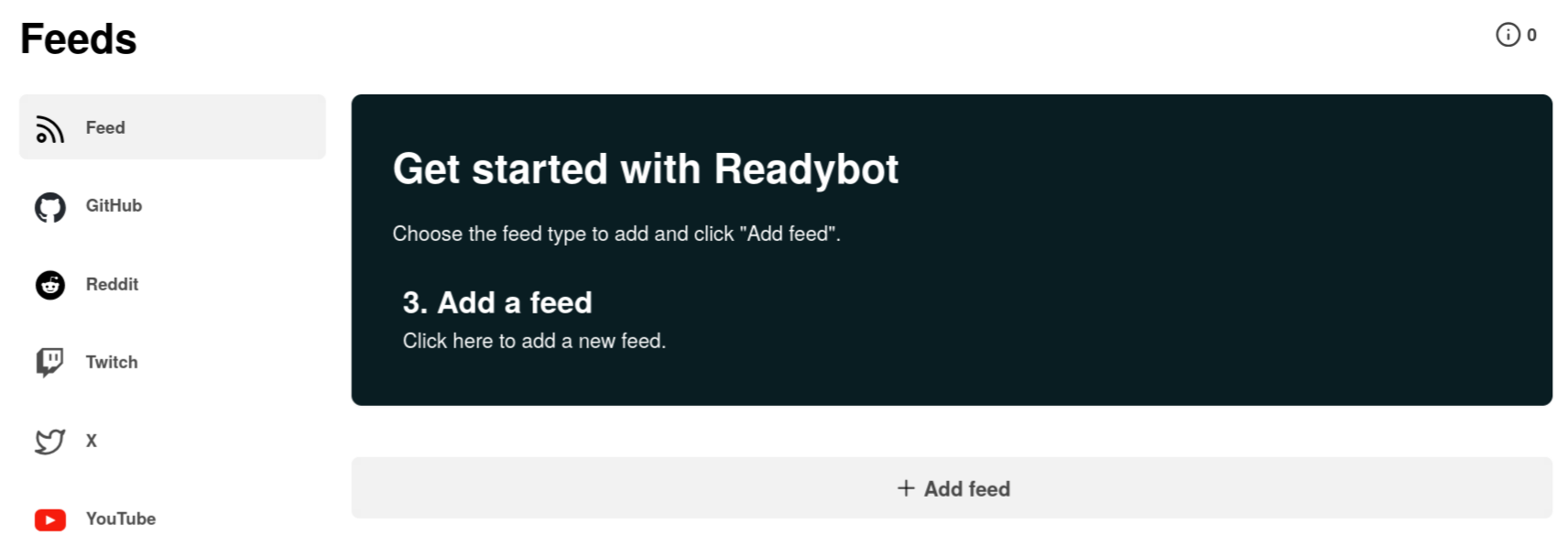
Click the "add feed" button and enter the URL that you created earlier
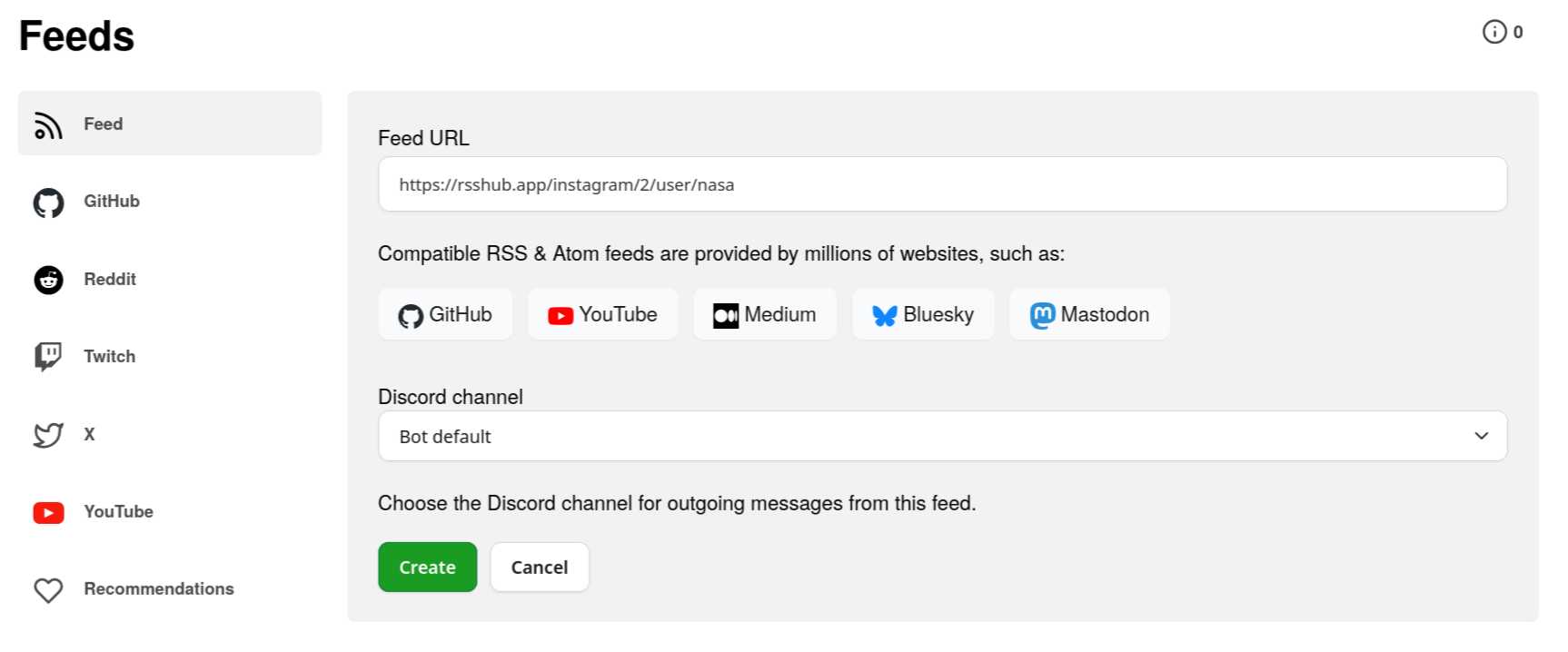
Once you hit "Create", Readybot will fetch the feed, parse it, and send updates in the selected Discord channel.
Conclusion
And that's pretty much it! Readybot will check for updates every 10 minutes and send Instagram posts into the selected channel!